Cloud & DevOps
Build Scalable, Secure Cloud Platforms
We design cloud platforms and DevOps practices that support reliable delivery, secure operations, and long-term growth.
Cloud & DevOps
Build Scalable, Secure Cloud Platforms
We design cloud platforms and DevOps practices that support reliable delivery, secure operations, and long-term growth.
Modern Software Delivery
What Does Your Platform Actually Need?
Cloud platforms and DevOps practices shape how software is built, deployed, and operated. Done well, they let teams release changes more often while keeping systems stable and secure. Done poorly, they create cost, complexity, and risk that compounds over time.
We help you make the architecture, automation, and operational choices that fit your business. The goal is a platform you can trust, a delivery process your team can run, and a foundation that supports what comes next.

Platform Parterships
Trusted Cloud and DevOps Expertise
IntelliTect is a certified Microsoft Solutions Partner. Our teams stay current on platform capabilities, reference architectures, and operational best practices across Azure, AWS, and hybrid environments.

Our Services
Modernize, Automate, and Operate
We help organizations build reliable cloud platforms, automate software delivery, and improve operational performance across the full lifecycle.
Cloud Architecture & Migration
Design and migrate cloud environments that support scalability, security, and long-term maintainability across Azure, AWS, and hybrid platforms.
Cloud-Native Development
Build applications optimized for modern cloud platforms using managed services, containers, and resilient design patterns.
Cloud Architecture & Migration
Plan, design, and modernize cloud platforms that support reliable delivery and stable operations.
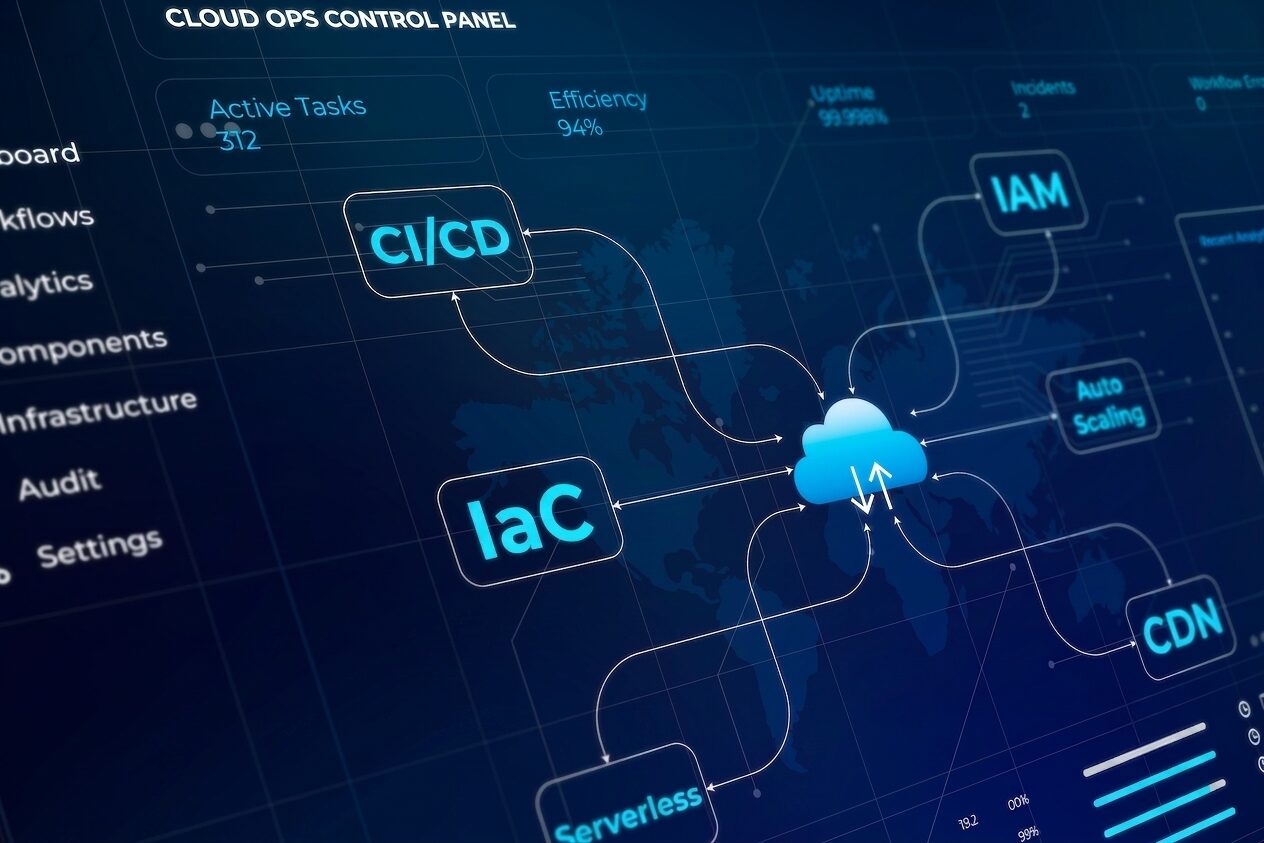
Architecture Strategy
Define cloud architectures that align application design, security requirements, and operational constraints.
Migration Planning
Evaluate legacy systems and execute phased migrations to Azure, AWS, or hybrid environments with minimal disruption.
Platform Foundations
Establish identity, networking, governance, and cost management practices that support long-term platform health.
Cloud-Native Development
Build applications that take full advantage of cloud platforms for scalability, resilience, and maintainability.

Platform Services
Develop applications using managed cloud services, containers, and event-driven architectures.
Resilience & Scalability
Apply cloud-native patterns that support fault tolerance, horizontal scaling, and graceful degradation under load.
Modern Development Tooling
Enable workflows that incorporate automation, testing, and AI-assisted tooling where they create real value.
DevOps & Delivery Automation
Automate the path from code to production with pipelines and infrastructure your team can trust.

Reliability & Team Enablement
Improve system availability and help your team adopt the practices needed to keep delivery moving.
Observability
Implement monitoring across logs, metrics, and traces to understand system behavior and respond quickly to issues.
Reliability Practices
Define service-level objectives and incident response processes that support dependable day-to-day operations.
DevOps Enablement & Coaching
Help development and operations teams adopt delivery practices, refine workflows, and use modern tooling responsibly.
Proof of Concept
A Practical Foundation for Azure DevOps Adoption
Evaluate tooling, delivery workflows, and migration paths in a real-world context. Our structured proof of concept helps teams adopt Azure DevOps with confidence.
Our Work
Cloud & DevOps in Action
Our clients depend on cloud platforms and automated delivery to run real operations. These case studies show how we help organizations modernize infrastructure, automate workflows, and operate at scale.
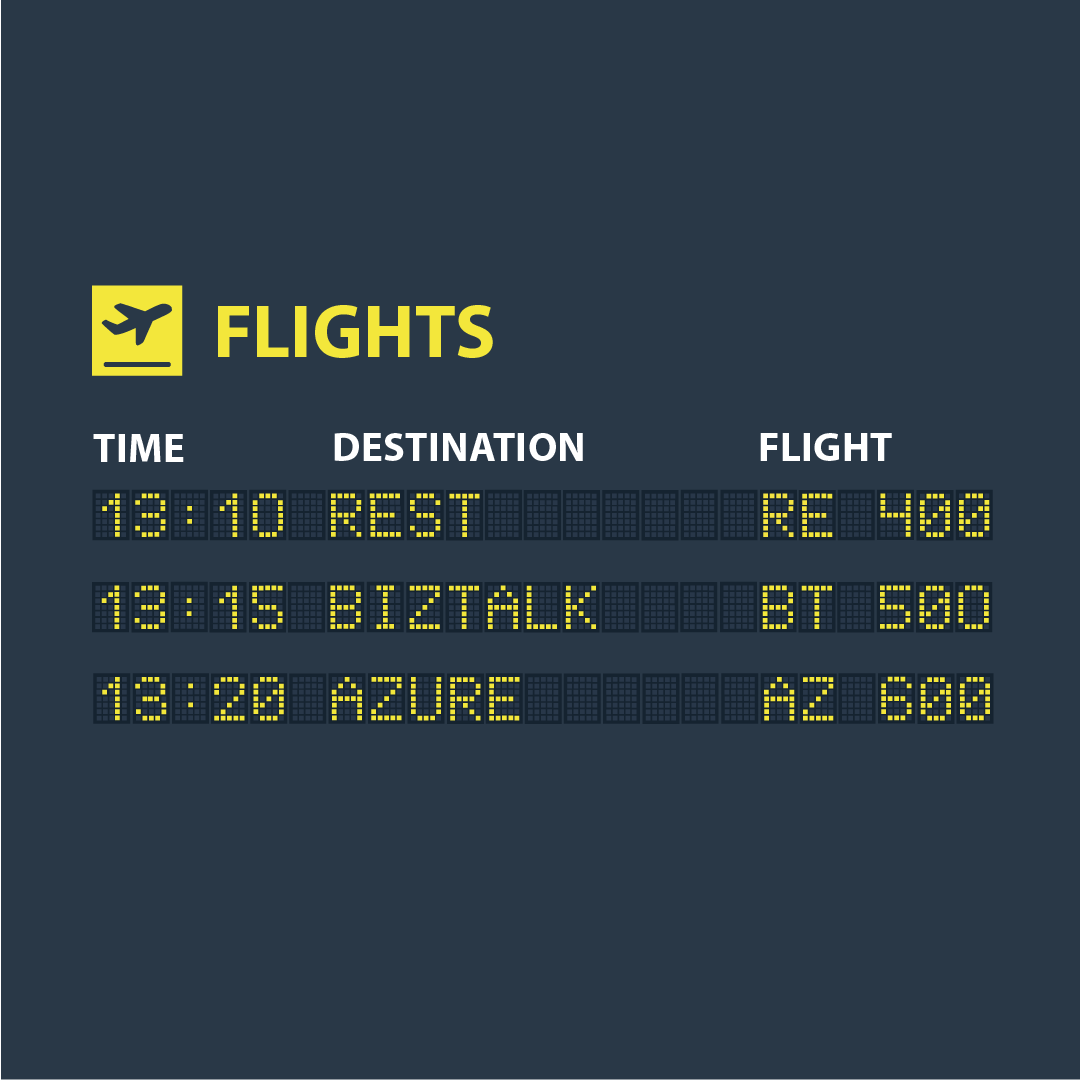
ConEd
Real-Time Integration Visibility with Azure
IntelliTect architected an event-driven logging and monitoring solution on Azure that processes hundreds of thousands of daily messages across more than 700,000 integrations. The custom Flight Status Board gives ConEd instant insight into system health and failures, reducing response times and improving operational efficiency enterprise-wide.
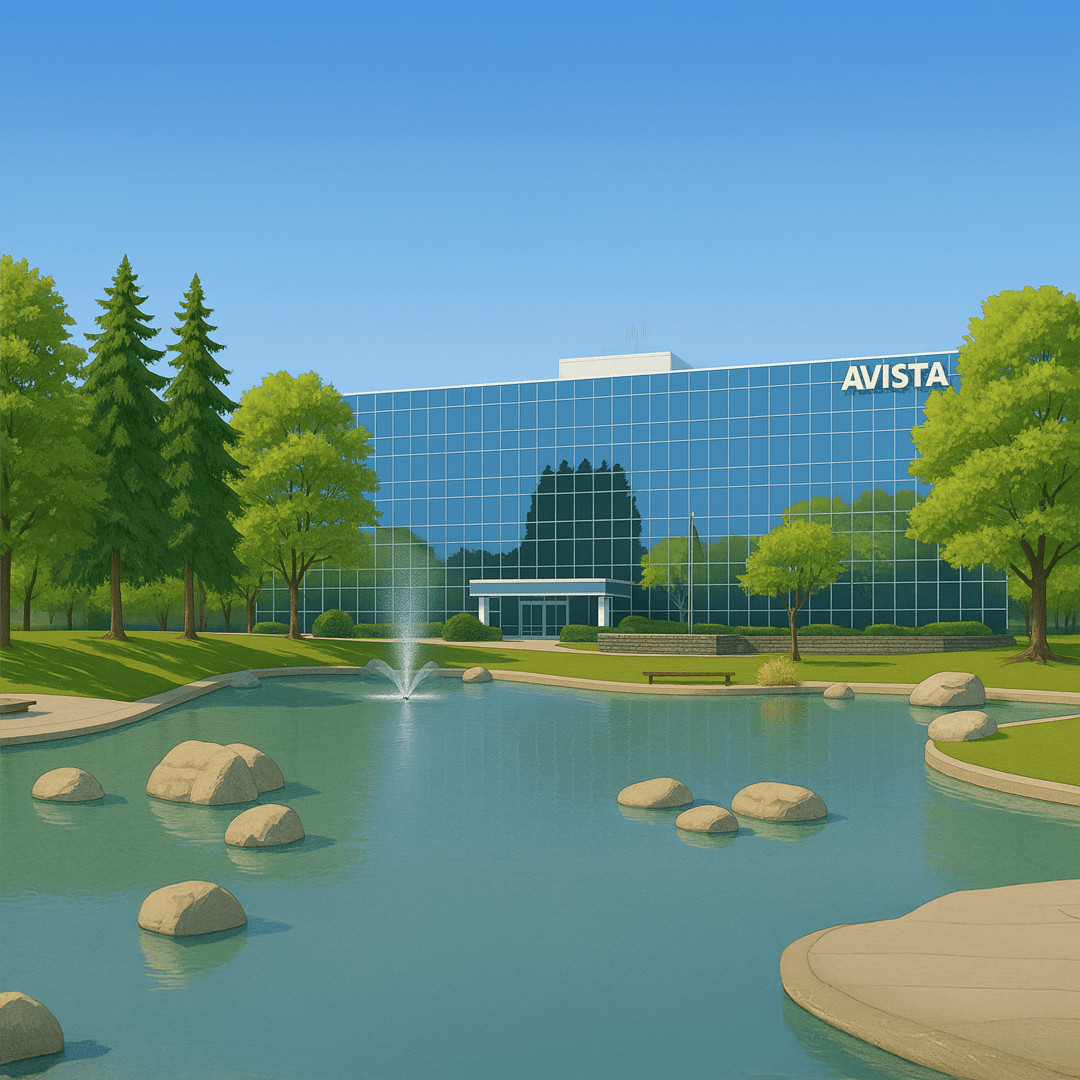
Avista Utilities
Scalable PDF Rendering on AWS Serverless Infrastructure
IntelliTect helped Avista replace a fragile legacy bill rendering process with a scalable AWS-based pipeline using Lambda, S3, and QuestPDF. The new architecture supports high-volume, multipage PDF generation, improves reliability, and reduces operational risk during peak billing cycles.

Global Energy & Water Management Leader
Scaling Cloud-Native Architecture for Smarter Energy Solutions
IntelliTect strengthened development capacity and architectural foundations to meet ambitious project timelines. By optimizing APIs, Kafka messaging, and Kubernetes deployments while mentoring teams on domain-driven design, IntelliTect improved scalability, reduced latency, and supported cross-platform performance for millions of energy customers worldwide.
IntelliTect's Innovative DevOps Tools
Built. Shipped. Proven.
We do not just consult on cloud and DevOps, we build for it. The Oracle DevOps Suite reflects what we know about operating complex utility systems at scale, packaged into tools that real teams use every day.

Conduit
Application lifecycle management for OUAF products. Conduit replaces fragmented manual procedures with a clearer end-to-end process for agile development, deployment, testing, and production visibility.
Marionette
AI-accelerated automated testing built on Playwright. Designed for enterprise testing scenarios in complex environments like Oracle Utilities Customer Care and Billing, with parallel execution and evidence capture for compliance.
Trellis
Web-based configuration management and auditing for large enterprise applications. Trellis helps teams see what changed, move configuration safely between environments, and maintain consistent platforms across development, testing, training, and production.

Carbon
Account replication for CC&B and MDM environments. Carbon helps utility teams quickly create the realistic, repeatable account data they need to prepare training environments, support testing, validate changes, and run projects without the manual setup that usually slows that work down.

Myriad
Operational tooling for utility teams running complex CC&B and MDM environments. Myriad supports day-to-day work across configuration, data, and system management, helping teams handle routine and project-based tasks with more consistency and less manual effort.
Let's Build Something That Lasts
Start your next project with a team that brings more than code to the table.